
Skip to content
English
  • There are no suggestions because the search field is empty.

Log in to Your mySD Account

Get help logging in to your Account.

You can log in to your mySD Account to View and Manage Leads, Adjust Campaign Settings, Manage Users, and gain powerful insight into the performance of your Campaigns.

  1. Go to https://mysd.servicedirect.com/.
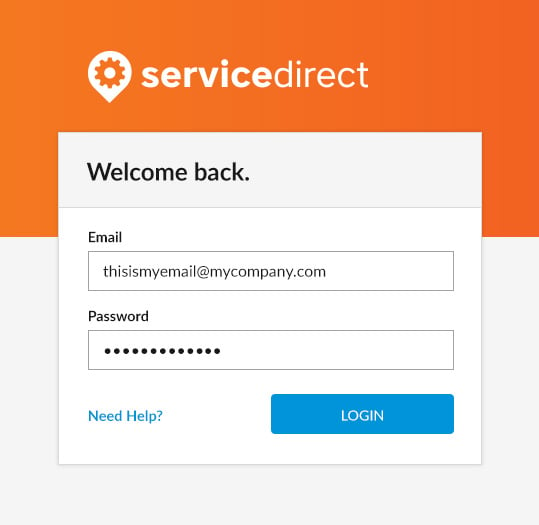
  2. Enter the email address and password you created during signup.
  3. If you've forgotten your password or email address, click the Need Help link on the login page. For step-by-step instructions, see resetting your password.
https://mysd.servicedirect.com/ using the email address and password you created during signup.

If you've forgotten your password or email address, click the Need Help link on the login page. For step-by-step instructions, see resetting your password.


mySD login screen showing the email and password fields and the Need Help link